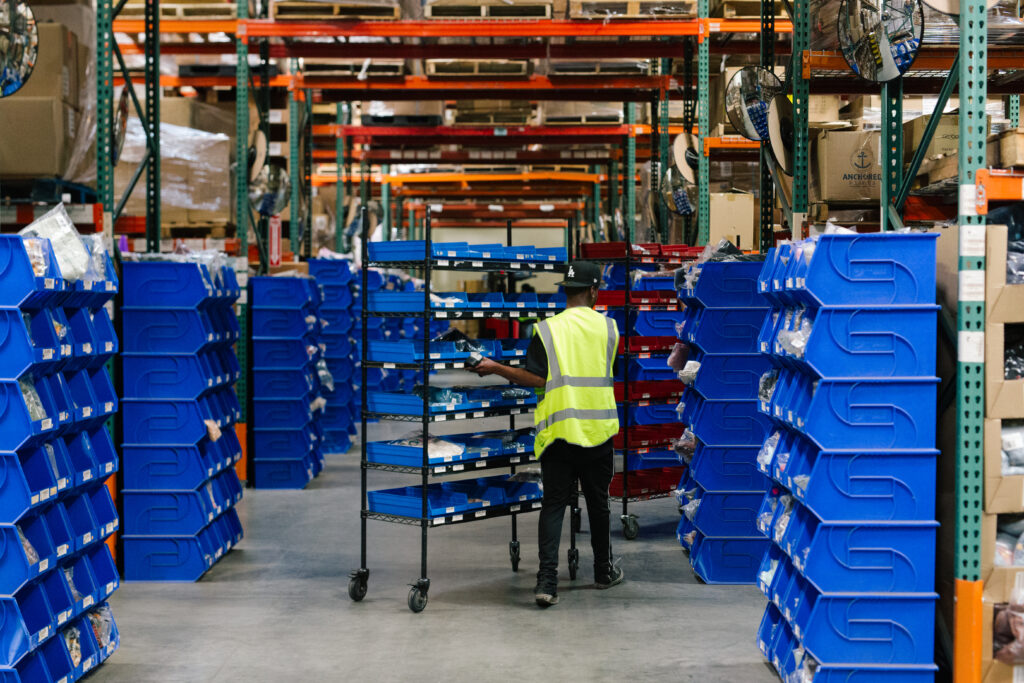

Receiving
Labeled inbound received, photographed and slotted within one business day.
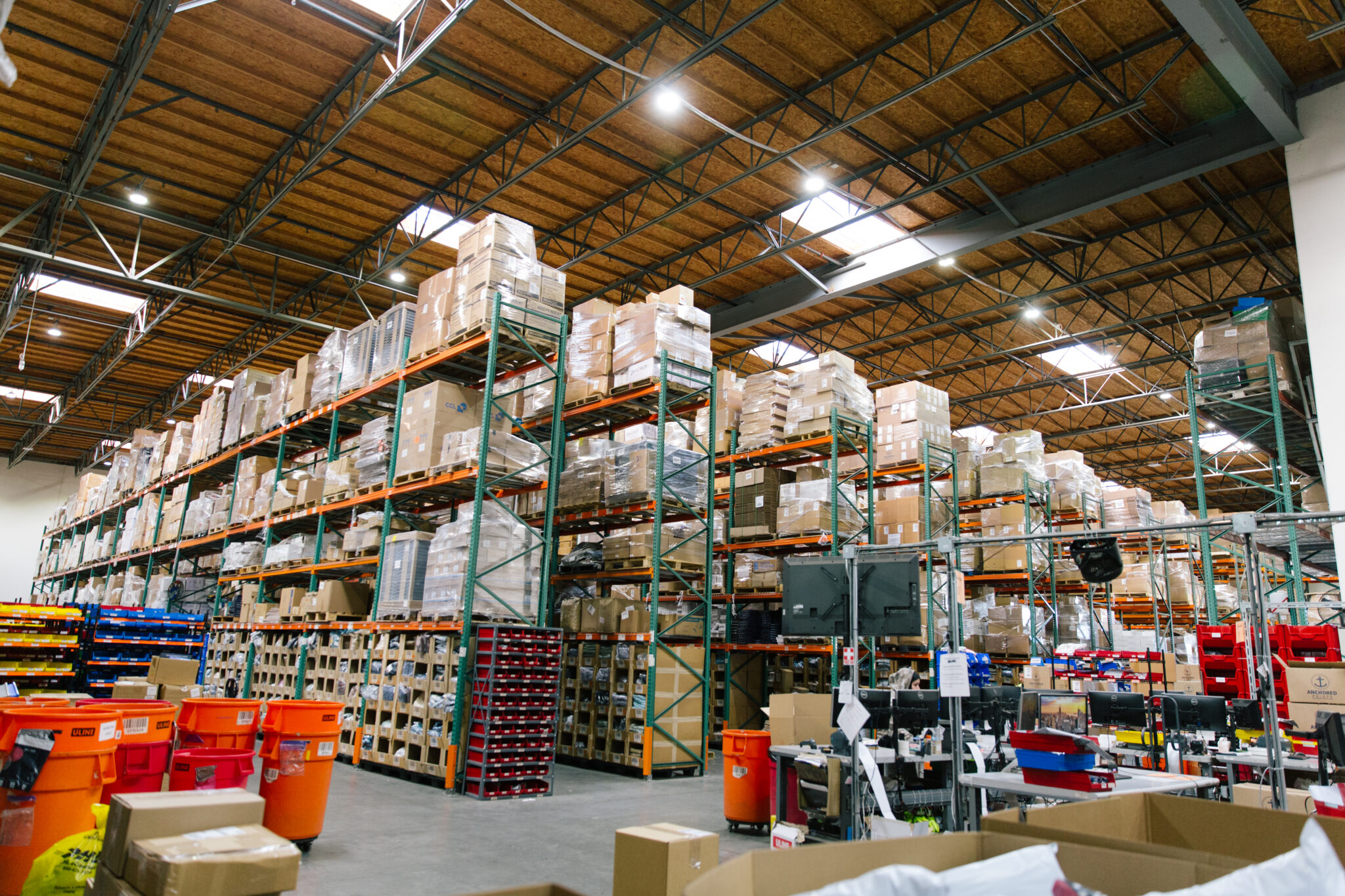
Drops, restocks, collections, store orders and the holidays, on one calendar the people packing your orders can see.
A brand at volume runs several launches a season, and each one lands on the same warehouse floor. When the warehouse finds out on launch day, it is too late to schedule labor, receive stock or build bundles. When it sees the calendar weeks ahead, launch day is routine.
| Event | Tell the warehouse | Stock arrives | Also send |
|---|---|---|---|
| Drop | Date, expected orders, styles and sizes, at least a week ahead | A week before release | Bundles, inserts, packaging |
| Restock | Date and expected volume | Before the restock goes live | Whether a waitlist will be emailed |
| Seasonal collection | Style list and quantities, weeks ahead | Staggered by style if possible | New SKUs and barcodes for mapping |
| Wholesale PO | As soon as the order is confirmed | Before the ship window opens | Routing guide and pack-out rules |
| Promotion or peak | Weekly volume forecast and promo dates | Well before the first promo | Gift sets and holiday cutoffs |
OC3PL receives labeled inbound, checks it against your ASN and slots it within one business day. Bundles and kits take most builds 24 to 48 hours. Work back from the launch date with those numbers.
The common failure is two big events in one week: a collection launch the same week as a large wholesale pack-out, or a drop on top of a promotion. Each alone is fine. Together they compete for labor and space.
How a streetwear or surf brand doing a few thousand orders a month might lay out twelve weeks.
| Weeks | Event | Warehouse focus |
|---|---|---|
| 1 to 2 | Receive the seasonal collection | Receiving and slotting new styles |
| 3 | Collection launch | Higher daily order volume |
| 4 to 5 | Returns and exchanges from launch | Fast inspection and restock |
| 6 | Limited drop | Bundles built ahead, drop-day labor |
| 8 | Wholesale ship window opens | Pack-out, labels, pallets |
| 10 | Restock of the launch best sellers | Receiving and slotting |
| 12 | Promotion | Higher volume, gift with purchase |
Use it as a shape, not a template. Your own calendar should come from your sales history.
A calendar is only useful if the person reading it can act on it. At OC3PL your account manager works on site, in the building where your stock is received and packed, so a change to the calendar reaches the floor the same day.
When dates move, and they will, call. All client requests are acknowledged within two hours, and support is never outsourced. We’re here, we got you.
For the detail on each event type, see apparel drop fulfillment, restocks and apparel peak season.
Before any launch goes on the calendar, answer these. Send the answers to your account manager with the date.
Eight questions, one email. It takes a few minutes and saves the scramble that happens when the warehouse learns about a launch from the order queue.
Keep a short note after each launch: actual orders against forecast, what went well, what to change. Next season’s calendar will be better for it.
The numbers to plan around.
Labeled inbound received, photographed and slotted within one business day.
Most builds completed within 24 to 48 hours.
Orders imported by 12 PM PST ship the same day.
Returns are processed and logged within 48 hours of receipt, and many are handled the same day. Each item is inspected and restocked, discarded or donated by the rules you set.
As early as you have it. For a drop, send the date, expected orders and product mix at least a week ahead. For a seasonal collection or peak, send it weeks ahead.
Early enough to be received, checked and slotted before release. At OC3PL labeled inbound is slotted within one business day, but a week of margin protects you from freight delays.
Most kitting builds are completed within 24 to 48 hours, depending on volume. Very large or complex runs take longer.
Tell your account manager as early as possible so labor and space can be planned, or move one of them.
Yes. Store pack-outs use the same floor, labor and inventory as your direct orders.
The date, styles and SKUs, expected orders, inbound timing with an ASN, any bundles or inserts, packaging changes, planned email spikes, your promised ship time and a launch-day contact.
More detail, in OC3PL’s own guides.
The overview: what we handle, how a garment moves through the building, and every apparel guide.
Planning a product drop? Learn how to handle 20x sales volume without operational failure, featuring lessons from the "Firefly" success story.
Launching your e-commerce brand? Learn how to prevent inventory issues, fulfillment bottlenecks, and shipping chaos with the right 3PL strategy.
Fulfillment for limited apparel drops and restocks: forecast-based labor, pre-built bundles, size-sorted picking and same-day shipping from Anaheim.
Planning apparel fulfillment for Black Friday, the holidays and January returns: forecasts, inventory timing, gift sets, cutoffs and returns capacity.
A countdown for planning a streetwear drop, from production to launch day: inventory timing, size curves, packaging, forecasts and returns.
Learn how retail brands can plan Q4 holiday fulfillment, manage peak demand, and ensure smooth, timely deliveries.
Send us your monthly order volume, SKU count and where you sell. You will get a line-item quote, and a person on site you can call.