

A single-item order
The baseline. Confirm it appears in the portal, gets fulfilled, and pushes a tracking number back to your store.
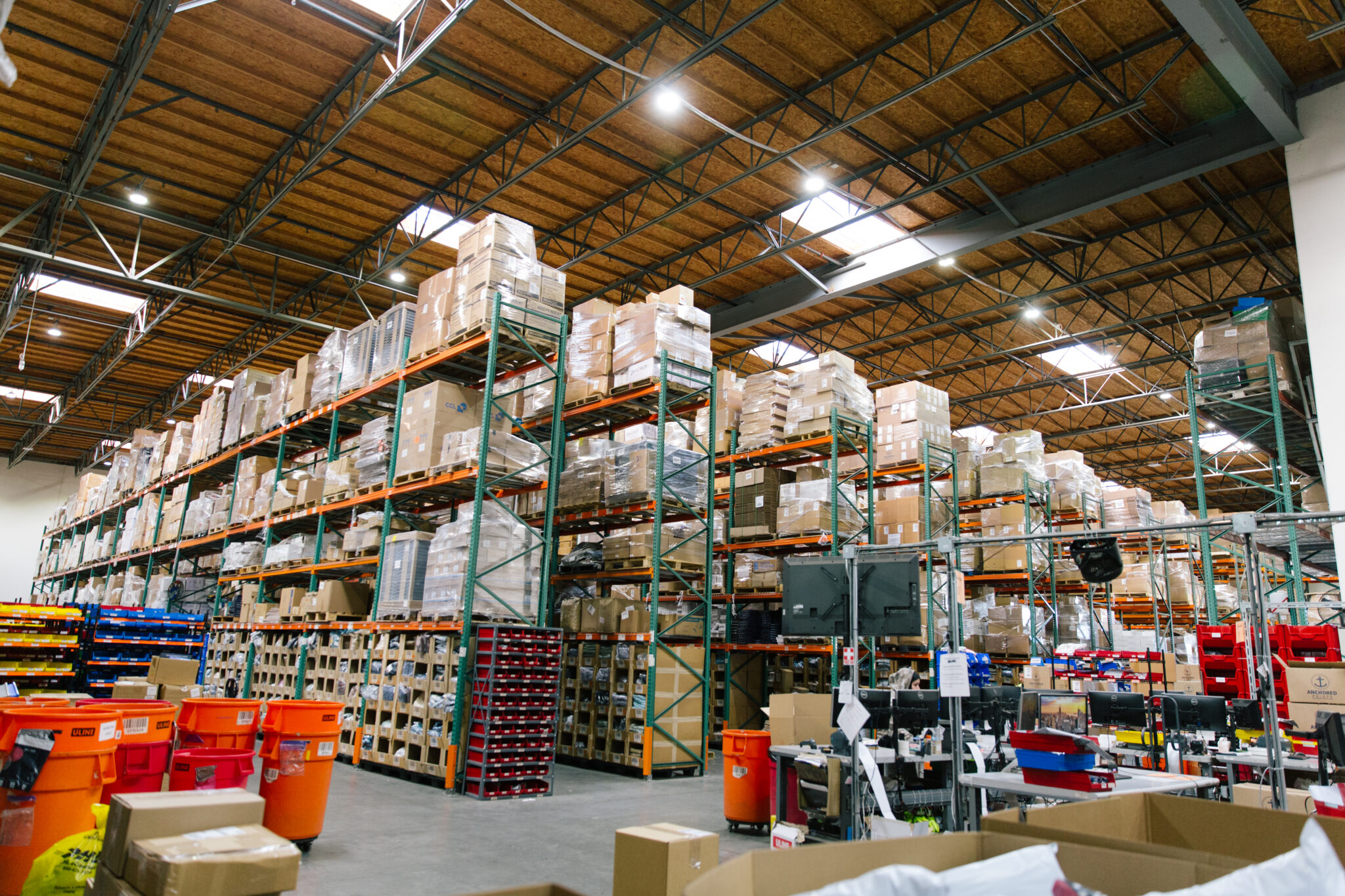
The orders do not stop while you move. Neither should fulfillment.
Building the new connection is the easy part and it is usually live the same business day. What goes wrong in a migration is the window in between: orders placed after the old integration is switched off and before the new one is confirmed working. That gap is avoidable, and it is avoided by testing before you cut over rather than after.
Ask for a sandbox and run these through your live store using a full discount code. Repeat until the flow is clean.
The baseline. Confirm it appears in the portal, gets fulfilled, and pushes a tracking number back to your store.
Proves the per-item picking path and that the whole order ships together rather than splitting unexpectedly.
The one people skip. You want to know how a bad address surfaces before a real customer supplies one.
Customs documentation and carrier selection behave differently. Test it before a customer does.
Ask for a sandbox and run test orders through your live store using a full discount code. Cover a single-item order, a multi-item order, an order with an invalid address and an international order, then confirm each appears correctly in the portal, gets fulfilled, and pushes a tracking number back to your store. Repeat until the flow is clean.
Platform APIs change, credentials expire, and SKU mappings drift when products are renamed or variants are added. Ask a provider directly how they stay ahead of platform API updates and what their maintenance commitment is. When a sync breaks, report it with concrete evidence — the exact time orders stopped appearing and a sample order number — so the investigation starts from facts.
Direct connections to the warehouse management system are live the same business day. Connections routed through the ShipStation hub take two to three business days. Connecting requires one thing from you: an API key or a one-click app install. OC3PL handles mapping, SKU matching, test orders and go-live.
If we do not have it, we will build it. Alongside pre-built connectors, webhooks and REST API integrations give programmatic access, and OC3PL-funded custom integrations are part of what makes switching easier. A niche cart, an ERP or an internal system can still feed orders into the warehouse. Raise the requirements early in onboarding.
The detail behind this, in OC3PL’s own guides.
A step-by-step guide for subscription brands on how to execute a flawless 3PL transition without disrupting shipments or losing customers.
BigCommerce splits an order into consignments — line items plus a fulfillment method. Why that matters when a 3PL holds some of your inventory and you hold the rest.
Magento is chosen by brands that outgrew hosted carts. What that means for fulfillment: complex catalogues, custom order logic, and an integration that has to survive upgrades.
Need to switch 3PL quickly? Follow our 30-day roadmap for fast 3PL onboarding. Learn how to migrate inventory and data without ruining your sales.
Peak season disaster? Learn how to choose a new 3PL by comparing services, pricing, and technology. A complete guide to upgrading your fulfillment partner.
OC3PL's guided onboarding pairs you with a dedicated, on-site account manager for a custom launch plan, proactive updates, and zero downtime in setup.
When something is urgent, you reach a person at our Anaheim fulfillment center who can walk to the shelf and deal with it.
Tell us what you are moving from and we will map the sequence, including what runs in parallel and for how long.